Skip to content

Mylio Support

  1. Mylio Support
  2. Organize Media in Albums

Add Media to an Album

Updated October 16, 2026

  1. Select the image(s) you want to add to an Album.
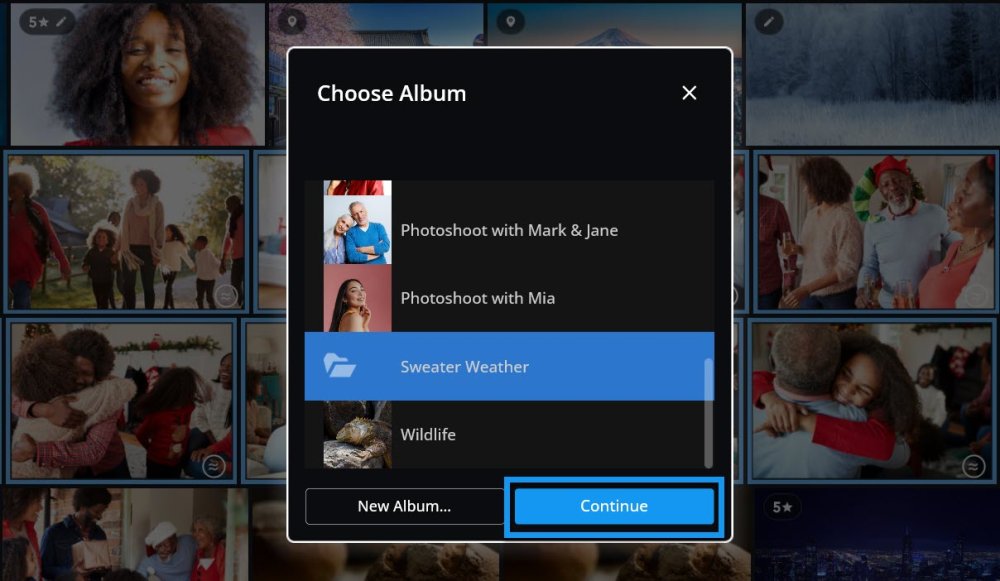
  2. Right-click your selection or tap the kebab icon More options icon, three vertical dots. to access the Actions menu, then select Add to Album. The Choose Album dialog with the Sweater Weather album selected and the Continue button outlined in blue.
  3. Select an existing Album and click Continue, or click the button to create a New Album. Enter a new Album Name, assign Categories, and click Create.

Learn More:https://manual.mylio.com/topic/organize-media-in-albums