
Post Memories to FamilySearch
Mylio Photos’ Publish to FamilySearch feature allows users to post photos about their ancestors as Memories to the familysearch.org website. Memories can be viewed on the FamilySearch website and the FamilySearch mobile apps.

- Select your photo(s): Choose a single image or a series of images that you’d like to post as Memories on familysearch.org.
-
Click the Share icon

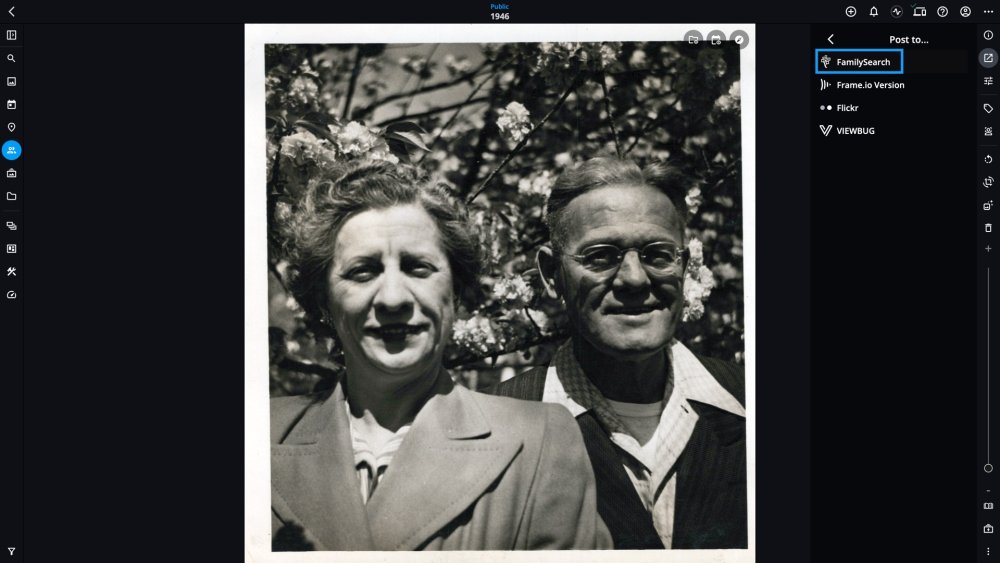
- Check the box to agree to the Submission Agreement, then click Continue.
- Sign in to your FamilySearch.org account, then click the Accept button to allow the connection between Mylio Photos and your FamilySearch.org account.
-
Enter a description for each image you’re uploading, then click the Post button.
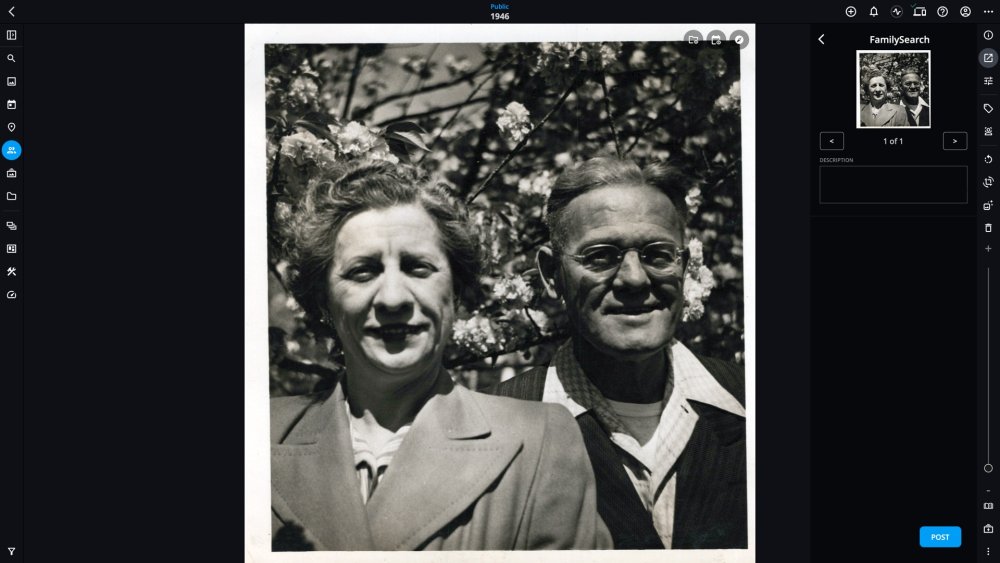
- Once the upload is complete, you can find your image on the FamilySearch.org website under Memories.


Learn More: https://manual.mylio.com/topic/post-memories-to-familysearch